

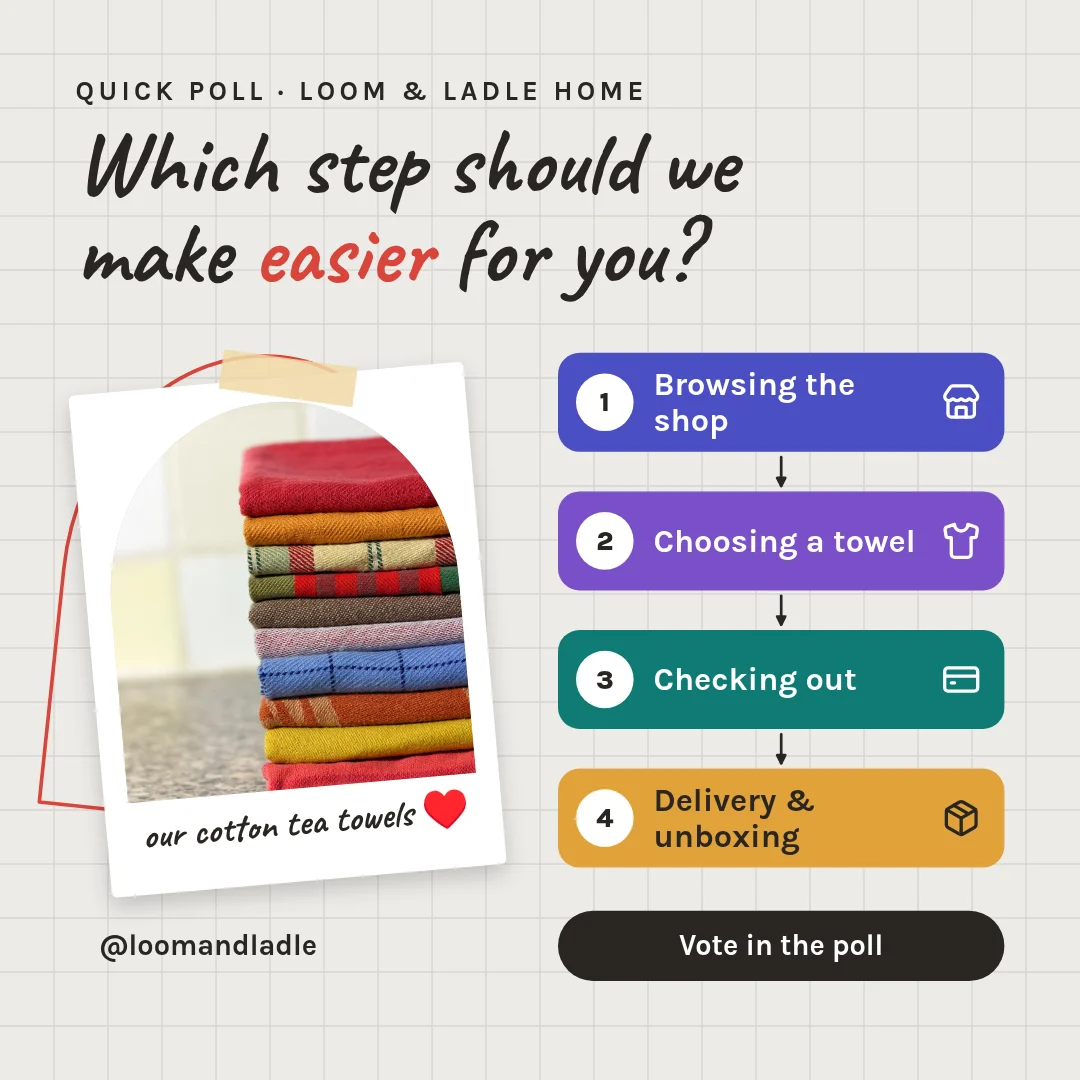
LinkedIn post template
Step-by-step Process Diagram Post
LinkedIn post (square) · 1,200 × 1,200 px · 1 page
Four connected boxes in a row or grid, each with a step number and a short label. Helps you explain a workflow, service or method in one image.
Free to edit in your browser. Sign in and it opens in the Nimply editor as your own copy.

By Nimply Studio
The Nimply design team. Templates are made by the team
- Size
- LinkedIn post (square), 1,200 × 1,200 px
- Pages
- 1 page
- You can edit
- 13 text boxes, 1 photo, colours and fonts
- Fonts
- Karla, Caveat
- Colours
- #2a2622#ffffff#ecebe7#f1d9a6#4b4fc4#7b4fc9
- Text on it
- “Which step should we make easier for you?” · “Browsing the shop” · “our cotton tea towels ♥”
Make it on brand
Apply your brand kit's colours and fonts to every page in one click, and swap in your own photos and logo.
Resize it
Copy & resize makes versions for other platforms, like a story or a LinkedIn post, from the same design.
Post it
Download PNG, JPG, WebP, PDF or SVG, or send it straight into a post for approval and scheduling.
Similar LinkedIn post templates

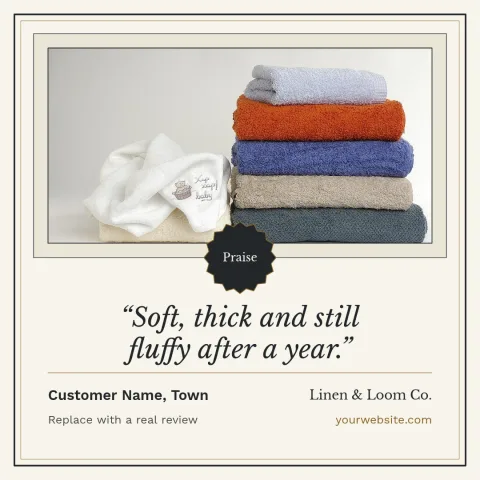
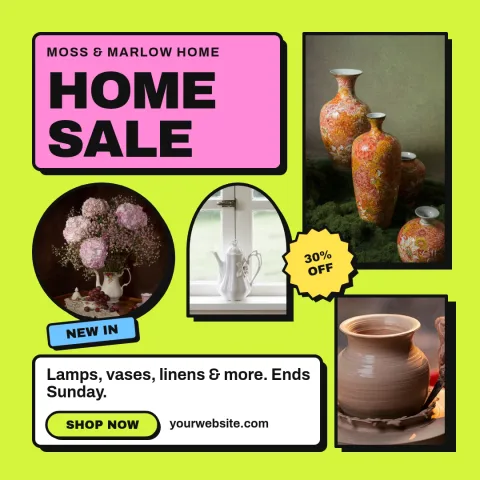


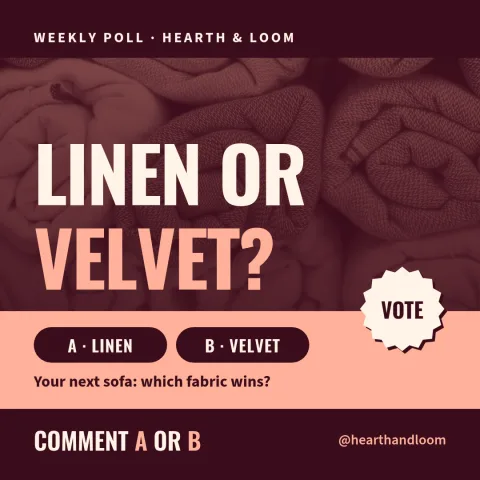
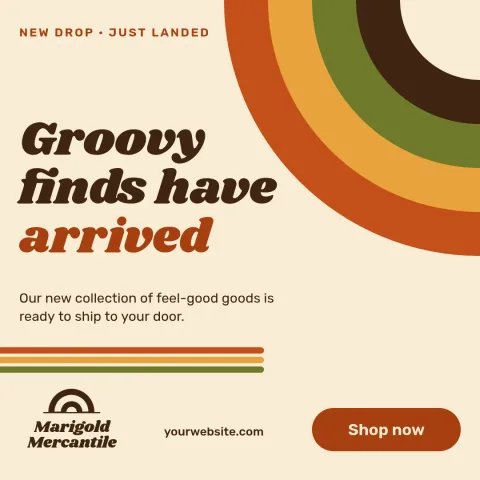
Need the caption too? LinkedIn post writing prompts in the AI content template library.
Design it, approve it, schedule it
Nimply Design sits inside the tool that publishes your posts, so a finished graphic goes straight into the calendar.