

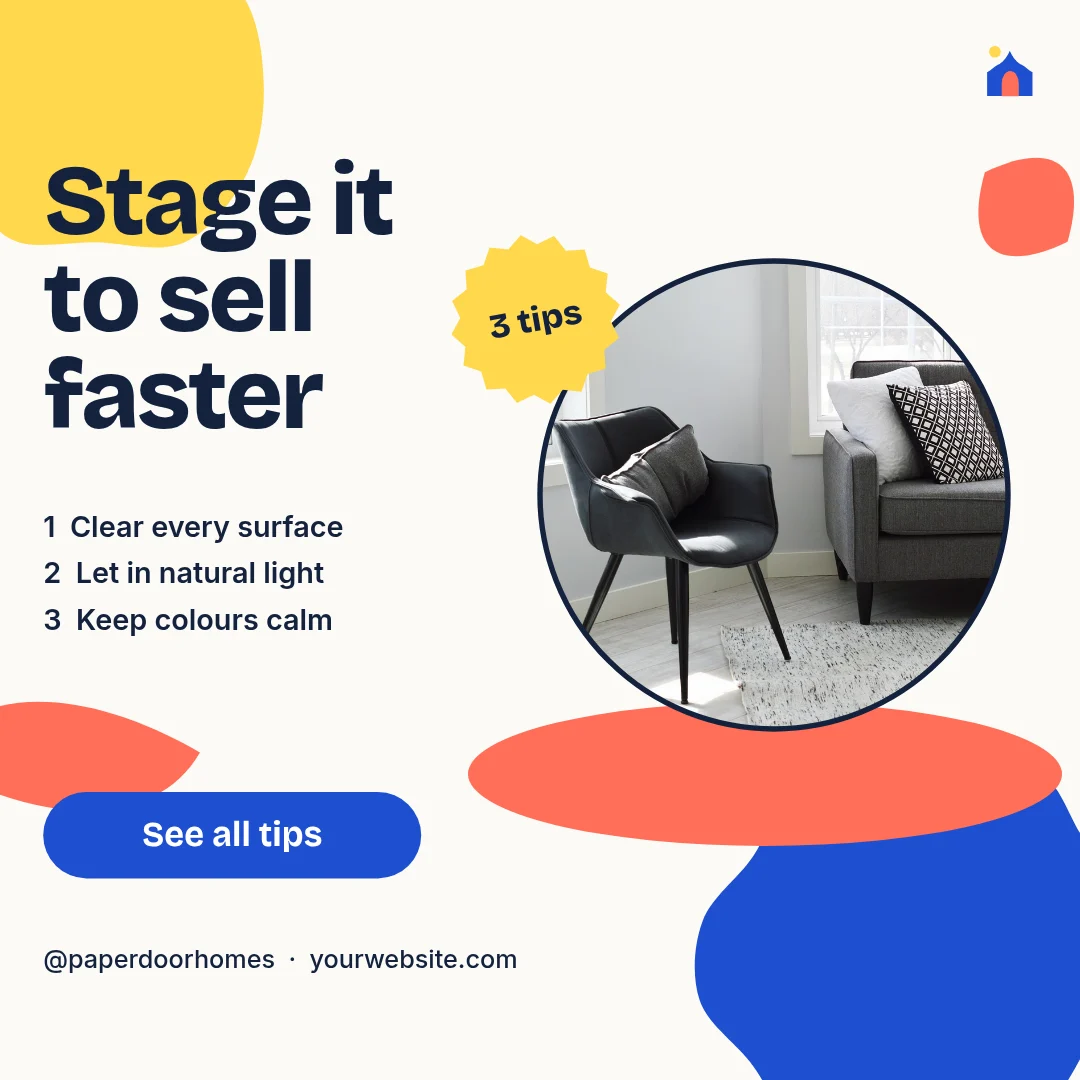
LinkedIn post template
Paper Stage Staging Tips
LinkedIn post (square) · 1,200 × 1,200 px · 1 page
A cut-paper social tip post with a round living-room photo on a coral stage, a yellow tip badge and a blue CTA button.
Free to edit in your browser. Sign in and it opens in the Nimply editor as your own copy.

By Nimply Studio
The Nimply design team. Templates are made by the team and by Nimply's design agents, then reviewed before they are published.
- Size
- LinkedIn post (square), 1,200 × 1,200 px
- Pages
- 1 page
- You can edit
- 5 text boxes, 1 photo, colours and fonts
- Fonts
- Inter, Bricolage Grotesque
- Colours
- #14213d#ff6f59#fbfaf6#ffd84d#1f4fd1#d9d4cc
- Text on it
- “Stage it to sell faster” · “1 Clear every surface 2 Let in natural light 3 Keep colours calm” · “@paperdoorhomes · yourwebsite.com”
Make it on brand
Apply your brand kit's colours and fonts to every page in one click, and swap in your own photos and logo.
Resize it
Copy & resize makes versions for other platforms, like a story or a LinkedIn post, from the same design.
Post it
Download PNG, JPG, WebP, PDF or SVG, or send it straight into a post for approval and scheduling.
Similar LinkedIn post templates
Doorstep Cover Launch Post
LinkedIn post
Fern Arch Staging Tips
LinkedIn post

Sunlit Staging Tips Scrapbook
Instagram post
Hearth Arch Open House
LinkedIn post
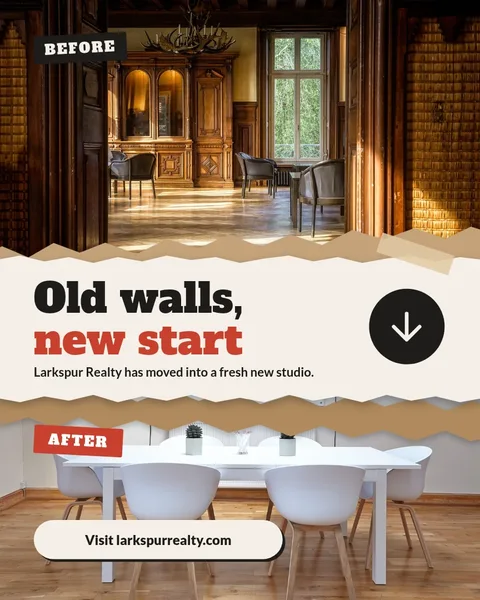
Torn Seam Before After
Instagram post
Staggered Echo Listing Rows
X post

Atomic Armchair Giveaway
Instagram post
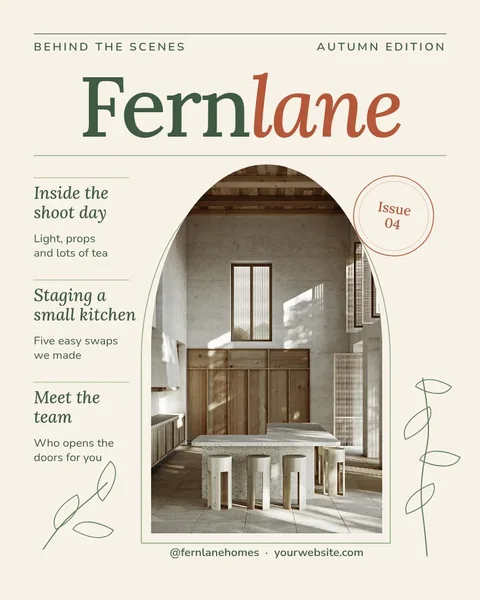
Fernlane Arch Cover Issue
Instagram post
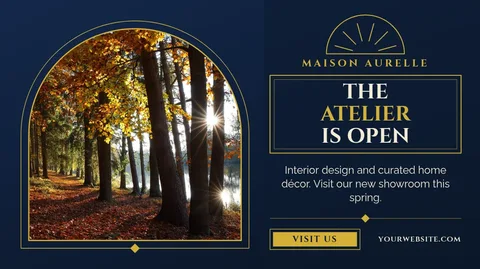
Gilded Arch Atelier Opening
X post

Iron Gate Open House Diagonal
Instagram post
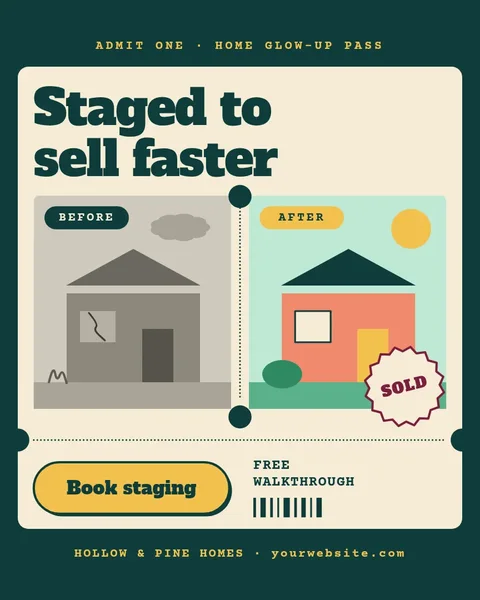
Staged To Sell Pass
Instagram post

Layer Your Light Neon
LinkedIn post
Need the caption too? LinkedIn post writing prompts in the AI content template library.
Design it, approve it, schedule it
Nimply Design sits inside the tool that publishes your posts, so a finished graphic goes straight into the calendar.