Blog: page 2

Ecommerce Social Media Marketing: A Practical Guide
Ecommerce social media marketing turns feeds into storefronts. Get the platforms, 7 strategies, and weekly workflow that drive real sales for online stores.
 Farman Khan

Real Estate Social Media Automation: A Realistic Guide
What real estate social media automation can do for agents: which tasks to automate, which to keep human, and a simple weekly workflow to stay visible.
Farman Khan
Social Media Approval Tool: What to Look For in 2026
What a social media approval tool does, which features actually matter, and how to choose approval software for your team or agency.
Farman Khan
AI TikTok Caption Generator: Best Tools and Tips
An AI TikTok caption generator turns a quick video description into ready-to-post captions. Compare the best free tools and learn what makes captions work.
Farman Khan
12 Social Media Graphics Examples That Actually Work
12 social media graphics examples that earn engagement, from carousels to quote cards, plus what makes each one work and how to recreate it fast.
 Zubair Afridi

Reach vs Impressions: What's the Difference?
Reach counts unique people; impressions count total views. Learn the real difference, what each platform calls them in 2026, and which metric to track.
Zubair Afridi
How to Set Up Auto Reply on Instagram (3 Easy Ways)
Learn how to set up auto reply on Instagram in minutes: Meta Business Suite instant replies, FAQs, keyword triggers, and AI replies in your own voice.
Zubair Afridi
How to Use Social Media for Customer Service in 2026
Learn how to use social media for customer service: pick channels, unify your inbox, set response times, and turn public complaints into loyal customers.
Zubair Afridi
Social Media Proposal Template: 9 Sections That Win
A free social media proposal template you can copy: nine sections, what to write in each one, pricing tips, and the mistakes that lose clients.
Zubair Afridi
The Best Tool to Schedule Social Media Posts in 2026
What's the best tool to schedule social media posts? Compare 7 schedulers on price, platforms, and AI features, with honest picks for every budget.
Zubair Afridi
Can AI Manage My Social Media? What Works in 2026
Can AI manage my social media? Yes, most of it. See what AI handles well, where humans must stay in the loop, and how a draft-and-approve workflow works.
Farman Khan
How to Become a Faceless Content Creator in 2026
Become a faceless content creator in 6 steps: pick a niche, choose faceless formats, build an AI-assisted workflow, and grow without showing your face.
Farman Khan
How to Batch Social Media Content: A 5-Step System
Learn how to batch social media content: a 5-step system to create weeks of posts in one sitting, with AI drafting, a weekly rhythm, and scheduling tips.
Zubair Afridi
Social Media Audit Template: Free Checklist for 2026
Copy this free social media audit template: a profile checklist, metrics tracker, and 6-step process to find what works and fix what doesn't.
Farman Khan
Benefits of AI in Social Media: 8 Real Advantages
The main benefits of AI in social media: faster content creation, smarter scheduling, quicker replies, and clearer analytics. Plus the honest downsides.
Zubair Afridi
How Much to Charge for Social Media Management in 2026
Realistic hourly rates, monthly retainers, and package pricing so you know how much to charge for social media management as a freelancer or agency.
Farman Khan
How to Schedule Pins on Pinterest: 2 Free Ways
Learn how to schedule pins on Pinterest with the free native scheduler or a scheduling tool, including limits, exact steps, and tips for consistent pinning.
Zubair Afridi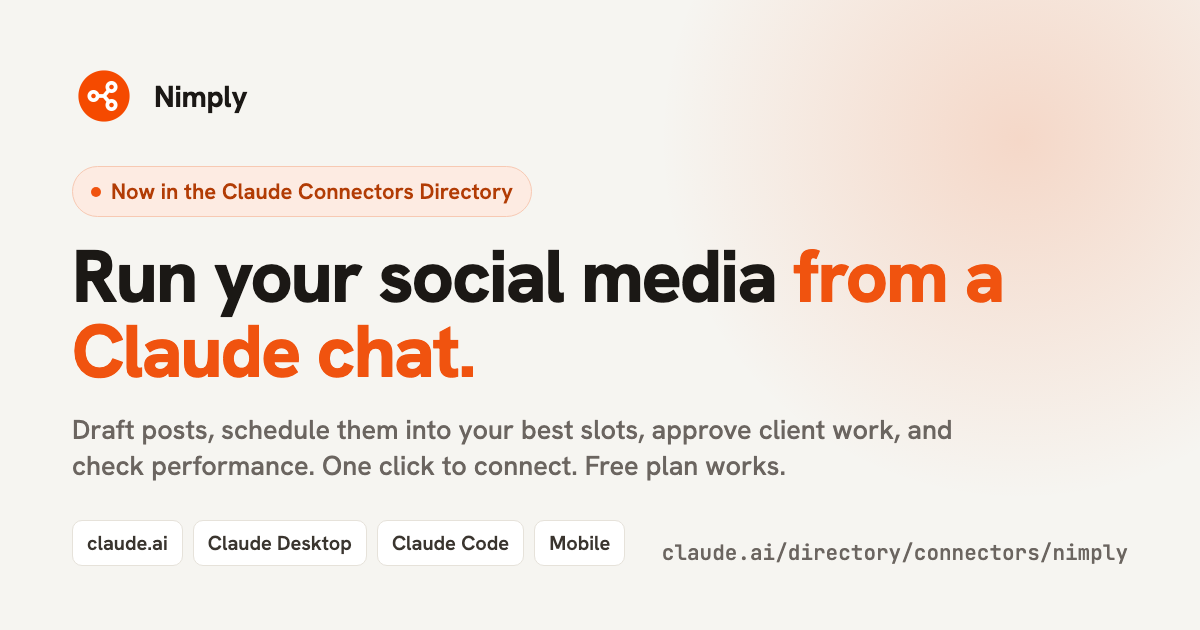
Nimply Is Now in the Claude Connectors Directory
Connect Nimply to Claude in one click and draft, schedule, approve, and measure your social posts from a chat. Here's what the connector does, how permissions work, and prompts to try.
Farman Khan
Best Hashtags for Instagram: How to Find Yours in 2026
The best hashtags for Instagram are specific to your post, not generic. Learn how many to use, how to find them, and grab 100+ examples by niche.
Zubair Afridi
What Is Community Management in Social Media?
Community management in social media is the work after you post: replies, DMs, moderation. Learn what it involves and a simple routine to do it well.
Farman Khan