To post on all social media at once, connect your accounts to a social media scheduling tool, write your post once, tweak the caption and format for each platform, and publish (or schedule) everything from a single dashboard. That is the short answer. The longer answer is that there are three ways to do it, they are not equally good, and the "write once, blast everywhere" approach can quietly hurt your results if you skip one important step: customizing per platform.
This guide walks through all three methods, a five-step workflow that takes a single post to seven networks in a few minutes, and the honest cases where cross-posting is the wrong move.
Can you post to all social media at once?
Yes. You have three realistic options:
- Native cross-posting inside a platform (for example, Facebook to Instagram via Meta Business Suite). Free, but limited to platforms owned by the same company.
- Posting manually to each app, one by one. Free, and fine if you only run one or two accounts.
- Using a social media scheduler that connects all your accounts and publishes to every channel from one composer. This is the only option that genuinely covers "all" your social media.
Let's take them in order.
Option 1: Native cross-posting (free, but only within one company)
Meta lets you share a post to both Facebook and Instagram at the same time through Meta Business Suite, and it is genuinely good at it: it is free, official, and supports scheduling. If Facebook and Instagram are the only platforms you use, you do not need anything else, and we say that as a company that sells a scheduling tool.
The limitation is obvious: Meta's tools stop at Meta. There is no native way to send one post to Instagram, TikTok, LinkedIn, X, YouTube, and Pinterest together, because those platforms belong to different companies that have no interest in talking to each other.
Option 2: Posting manually to each platform
Opening each app and posting one at a time costs nothing and gives you full control over every detail. For a personal account or a single-channel brand, it is completely reasonable.
The math breaks down as channels stack up. Posting the same content to six platforms means six uploads, six caption pastes, six rounds of hashtag editing, and six chances to typo something, every single day you post. Most small teams that post manually end up neglecting half their channels, not because the content is hard, but because the repetition is.
Option 3: Use a social media scheduler (the method that scales)
A social media scheduling tool connects all your accounts once, then lets you compose a post, select every channel it should go to, and publish or schedule it in one action. Here is the workflow step by step, using Nimply as the example (the steps are nearly identical in Buffer, Hootsuite, or Metricool).
Step 1: Connect your channels
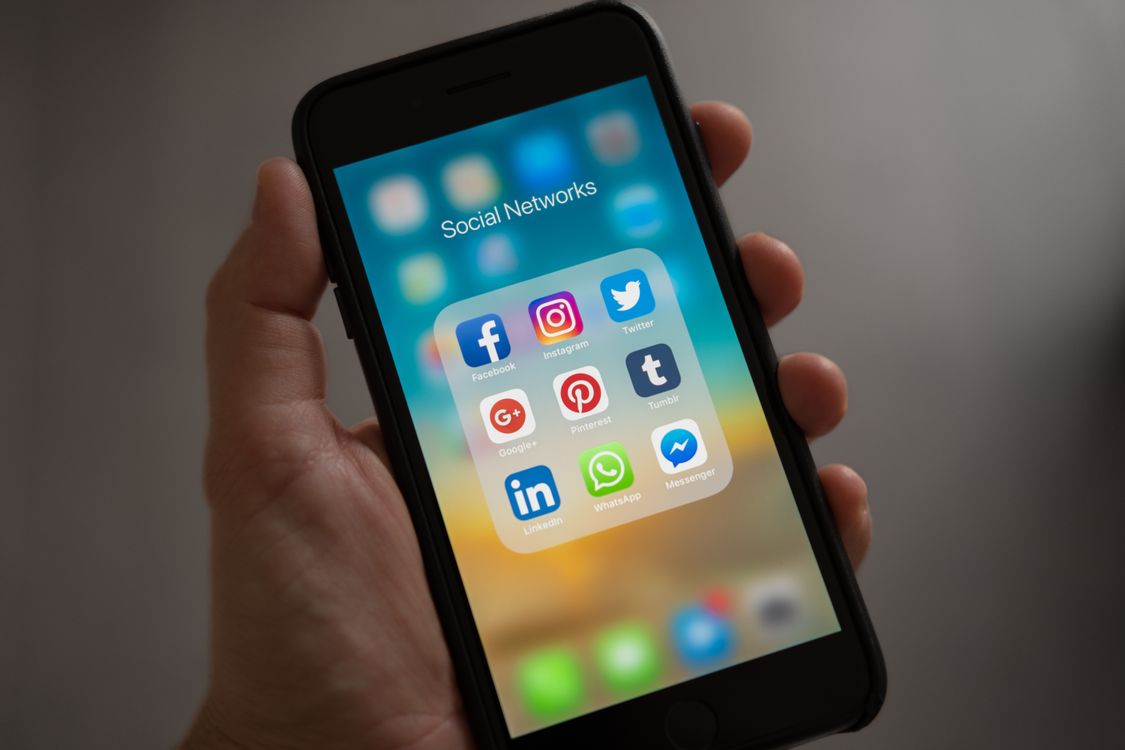
Connect each account one time: Instagram, Facebook, X, LinkedIn, TikTok, YouTube, and Pinterest are the standard set (Nimply also supports Threads on paid plans). This is an official API connection, the same mechanism Meta and TikTok offer to all approved tools, so there is no password sharing and no terms-of-service risk.
Step 2: Write the post once
Draft your caption and upload your image or video in the composer. One draft becomes the master version for every channel.
Step 3: Customize per platform (do not skip this)
This is the difference between cross-posting that works and cross-posting that looks lazy. A caption that fits X's 280 characters reads as abrupt on LinkedIn; Instagram hashtags look like spam on Facebook; a TikTok caption full of slang lands oddly on LinkedIn. Good schedulers let you edit each platform's version individually before anything goes out. Nimply's AI Assistant can do the per-platform rewrites for you: one click turns your master caption into a LinkedIn version, an X version, and a TikTok version, which you can then edit before approving.
Step 4: Schedule or publish
Pick "publish now" to send the post to every selected channel at once, or schedule each version for the time that suits each platform. Scheduling tools auto-publish at the set time, so there is nothing to do on the day.
Step 5: Check the calendar
A visual content calendar shows every scheduled post across every channel in one view, which makes gaps and pile-ups obvious. If you plan content in weekly or monthly batches, this is where batching your social media content pays off: one focused session can fill two weeks across seven channels.
How to adapt one post for every platform
A quick reference for what actually needs to change per network:
Platform | Caption length that works | Links in caption? | Hashtags |
|---|---|---|---|
Short hook + context | No (use bio link) | 3 to 5, relevant | |
1 to 3 sentences | Yes | 0 to 2 | |
X | Under 280 characters | Yes | 0 to 2 |
Longer, professional tone | Yes (or first comment) | 3 to 5 | |
TikTok | Short, conversational | No | 3 to 5 |
Keyword-rich description | Yes (destination link) | Optional | |
YouTube | Title + description | Yes | Optional |
The content itself can stay the same. What changes is packaging: length, tone, link handling, and hashtags.
When cross-posting works, and when it backfires
Cross-posting is the right call for announcements, launches, offers, evergreen tips, and any content where the message matters more than the format. It is how small teams keep seven channels alive without seven workflows.
It backfires when it is done blindly. The classic failures: a post that says "link in bio" published to Facebook where the link could have been clickable, an X thread dumped onto LinkedIn as one wall of text, or a vertical TikTok video cropped awkwardly on YouTube. Audiences also differ: what your TikTok followers love may bore your LinkedIn network. The fix is not to abandon cross-posting; it is the 30 seconds of per-platform editing in step 3. And some content genuinely deserves to be native-only: platform-specific trends, community in-jokes, and formats that only exist in one app.
Free ways to post to all social media at once
If budget is the constraint, you still have real options. Meta Business Suite covers Facebook and Instagram for free. Most schedulers have free tiers: Nimply's Free plan costs $0 and includes scheduling with AI caption help, and paid plans are flat-priced ($8/month for Creator, billed annually) rather than per channel or per seat. Buffer also has a usable free tier. For a wider look at no-cost options, see our roundup of free social media management tools.
The honest caveat: free tiers cap how much you can schedule ahead, so if you post daily across many channels, you will likely outgrow them within a month or two.
FAQ
How do I post on all social media at one time?
Connect your accounts to a social media scheduler, write one post in its composer, select every channel, customize each platform's caption, and hit publish or schedule. The tool then posts to every connected network automatically. Meta Business Suite can do this for free if you only need Facebook and Instagram.
What is cross posting on Facebook?
On Facebook specifically, crossposting is a native feature that lets Pages share the same video (and, via Meta Business Suite, regular posts) across Facebook and Instagram without re-uploading. More broadly, cross-posting means publishing the same content to two or more social networks, either natively or with a third-party tool.
How to consistently post on social media?
Consistency comes from removing friction: pick a sustainable frequency, batch-create content in one sitting, schedule it in advance so it auto-publishes, and review a content calendar weekly. A scheduler turns consistency from a daily willpower problem into a once-a-week planning session.
What is the 50/30/20 rule for social media?
It is a content-mix guideline: roughly 50% of your posts should entertain or educate your audience, 30% should share curated or community content, and 20% should directly promote your products or offers. It is a useful starting ratio, not a law; adjust it based on what your analytics show your audience responds to.
Post everywhere without the copy-paste
Posting to all your social media at once is a solved problem: native tools solve it for two platforms, and a scheduler solves it for all of them. The part that still needs a human (or a very good AI assistant plus a human approval) is making each version feel native to its platform. Get that right and one piece of content does the work of seven.
Nimply schedules and auto-publishes to Instagram, Facebook, X, LinkedIn, TikTok, YouTube, and Pinterest from one composer, with unlimited AI caption rewrites per platform, starting at $0.