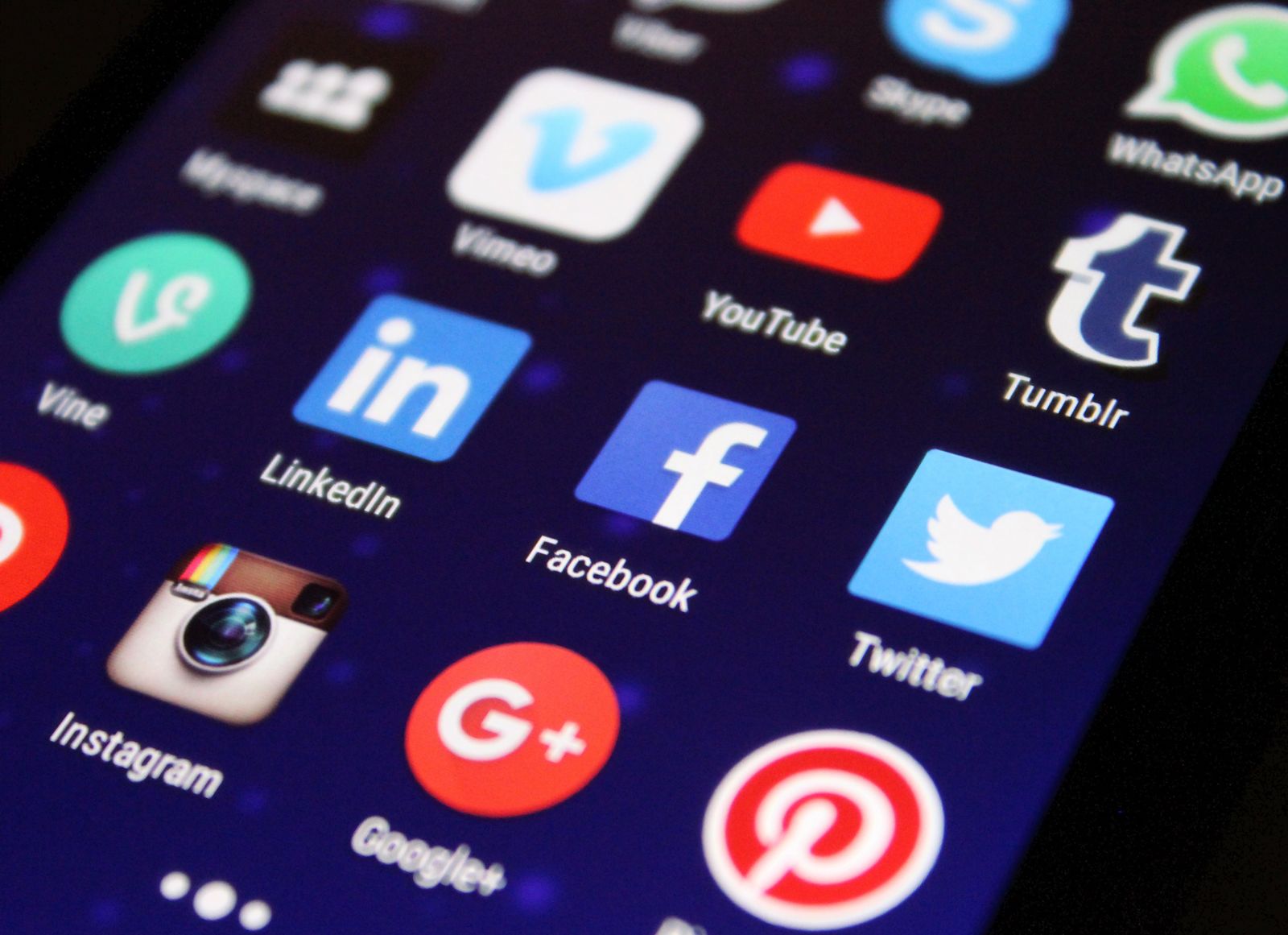
An AI Facebook post generator is a tool that drafts Facebook post copy, and sometimes matching images, from a short prompt, so you start from a usable draft instead of a blank box. The best options in 2026 include Nimply, Canva, Adobe Express, Buffer's AI Assistant, Rytr, and SocialBee, and the right pick depends on whether you need text, visuals, or a full posting workflow.
This guide compares the main tools, explains what each does well, and shows how to turn AI drafts into posts that actually earn reach on Facebook.
What an AI Facebook post generator actually does
Most of these tools work the same way. You describe the post you want ("announce our weekend sale on handmade candles, friendly tone, add a question at the end"), and the AI returns one or more drafts. Depending on the tool, you may also get hashtag suggestions, tone options, multiple length variants, or a designed image template to go with the text.
What they do not do is run your Facebook Page for you. A generator gives you a starting point. You still choose the angle, fix the details, add the photo, and decide when it goes out. Tools differ mostly in three ways: whether they handle text, images, or both; whether generation is unlimited or capped; and whether the tool can also schedule and publish the post once you are happy with it.
The best AI Facebook post generators in 2026
Here is how the popular options compare at a glance.
Tool | Best for | Free option |
|---|---|---|
Nimply | Unlimited AI drafts plus scheduling and publishing in one place | Free plan, paid from $8/mo |
Canva | Design-first posts where the visual matters most | Free tier |
Adobe Express | Prompt-to-template graphics for Facebook | Free tier |
Buffer AI Assistant | Quick caption ideas inside a scheduler | Free tool with daily limits |
Rytr | Multilingual text drafts with many tone options | Free tier |
SocialBee / SocialPilot / ContentStudio | One-off captions with no sign-up friction | Free web tools |
Nimply
Nimply bundles an unlimited AI Assistant that drafts captions, hooks, and hashtags, and can rewrite one idea per platform, so the Facebook version reads differently from the X or LinkedIn version. Because the generator lives inside a full scheduler, the draft does not end its life in a text box: you drop it on the calendar and Nimply publishes it to Facebook at the time you set. For image posts, the built-in AI Content Studio generates on-brand visuals, so text and image can come from the same place. There is a free plan, and paid plans start at $8 per month with no per-channel fees.
Canva and Adobe Express
If your Facebook posts are primarily visual, a design tool with AI on top is often the better fit. Canva's AI social media post generator produces designed templates with caption and hashtag suggestions, and Adobe Express turns a text prompt into an editable Facebook post template. For announcement graphics, event banners, or promo images, these two beat any text-only generator. Their trade-off is the workflow: you still need to download the design and post or schedule it somewhere else.
Buffer AI Assistant
Buffer's free AI post creator is handy for caption ideas and tone rewrites, and it connects to Buffer's scheduler. The free tool caps how many posts you can generate per day, so heavy users will hit the ceiling quickly.
Rytr
Rytr is a general-purpose AI writer with a dedicated Facebook post use case. Its strengths are tone variety and support for dozens of languages. It is a writing tool only, so publishing happens elsewhere.
Free no-sign-up generators
ContentStudio, SocialBee, SocialPilot, and Venngage all offer free Facebook post generators on their websites, mostly as a way to introduce their paid products. For a one-off caption they are perfectly fine, and being able to generate without creating an account is a real convenience. The limits show up when you post regularly: no saved brand voice, no history, and no connection to a calendar.
For a wider look beyond Facebook, see our comparison of free AI post generators.
How to get good Facebook posts out of AI
The tool matters less than how you use it. These four habits make the biggest difference.
Write prompts with specifics
"Write a Facebook post about our bakery" produces generic mush. "Write a Facebook post announcing that our sourdough class on Saturday has 3 spots left, urgency without being pushy, end with a question" produces something you can almost publish. Include the audience, the one fact that matters, the tone, and the action you want.
Front-load the hook
Facebook truncates posts in the feed after roughly two to three lines, and readers decide at the "See more" cutoff. Make the AI rewrite until the first line carries a number, a question, or a bold claim. If the first sentence is throat-clearing ("We're so excited to share..."), cut it.
Edit like a human, because readers can tell
AI drafts tend toward the same rhythms: triplets of adjectives, "game-changer" style filler, and a tidy bow at the end. Replace at least one generic phrase with a concrete detail only your business would know. Short paragraphs and line breaks help too, since most Facebook reading happens on phones.
End with one clear call to action
Comment below, tag a friend, grab the link. One ask per post. AI generators will happily stack three CTAs if you let them.
What AI cannot do for your Facebook Page
A few honest limits before you build a workflow around these tools. AI does not know your customers, so drafts about specific products, prices, or events need fact-checking every time. It cannot guarantee reach: Facebook's feed rewards engagement and native formats, not any particular writing style. And fully hands-off posting is a bad idea; even with AI in the loop, a human should approve what goes out under your brand's name. That review step is where typos, wrong dates, and off-brand phrasing get caught.
From draft to published: a simple weekly workflow
A generator saves the most time when it feeds a schedule instead of a copy-paste routine.
- Batch your ideas once a week: promos, tips, questions, behind-the-scenes.
- Generate 2 or 3 draft variants per idea and pick the strongest.
- Edit each draft: sharpen the first line, add one concrete detail, set one CTA.
- Attach visuals, then queue everything with a social media scheduling tool so posts go out at consistent times without you being online.
If you want the mechanics of timing and native options, our guide to scheduling Facebook posts covers both Meta Business Suite and third-party tools.
FAQ
Which AI tool is best for creating Facebook posts?
It depends on what you need. Nimply is a strong pick if you want unlimited AI drafting plus scheduling and auto-publishing in one place. Canva and Adobe Express are better if your posts are design-first and you mainly need visuals. Free single-purpose generators from ContentStudio, SocialBee, or SocialPilot work fine for occasional one-off captions.
How do you create a Facebook post with multiple pictures and music?
Multi-photo posts are supported everywhere: attach several images when composing on Facebook, or schedule a multi-image post through a tool like Nimply and the photos publish as a collage-style post. Music stickers are a different story. They are a native Facebook feature for Stories and Reels, so you add music inside the Facebook or Meta Business Suite composer rather than through a third-party generator.
How do I post on Facebook as a complete beginner?
Open your Facebook Page, click the What's on your mind? box, write your text, attach an image or link if you have one, and hit Post. If writing is the part that slows you down, paste a one-line description of your topic into an AI generator, pick the draft you like, edit it so it sounds like you, and publish that.
How do I get more people to see my Facebook posts?
You cannot force Facebook to show a post to all of your followers; the feed is ranked by an algorithm. What helps: a strong first line, native formats like photos and Reels rather than bare links, posting when your audience is online, and replying to comments quickly, since early engagement tends to widen distribution. Consistency over weeks matters more than any single post.
Start with a draft, not a blank page
An AI Facebook post generator will not run your page, but it removes the slowest part of posting: getting the first version written. Pick a tool that fits how you work, keep a human edit in the loop, and connect the output to a schedule so consistency takes care of itself. Nimply's free plan includes the unlimited AI Assistant and Facebook scheduling, which makes it an easy way to test the whole workflow end to end.